
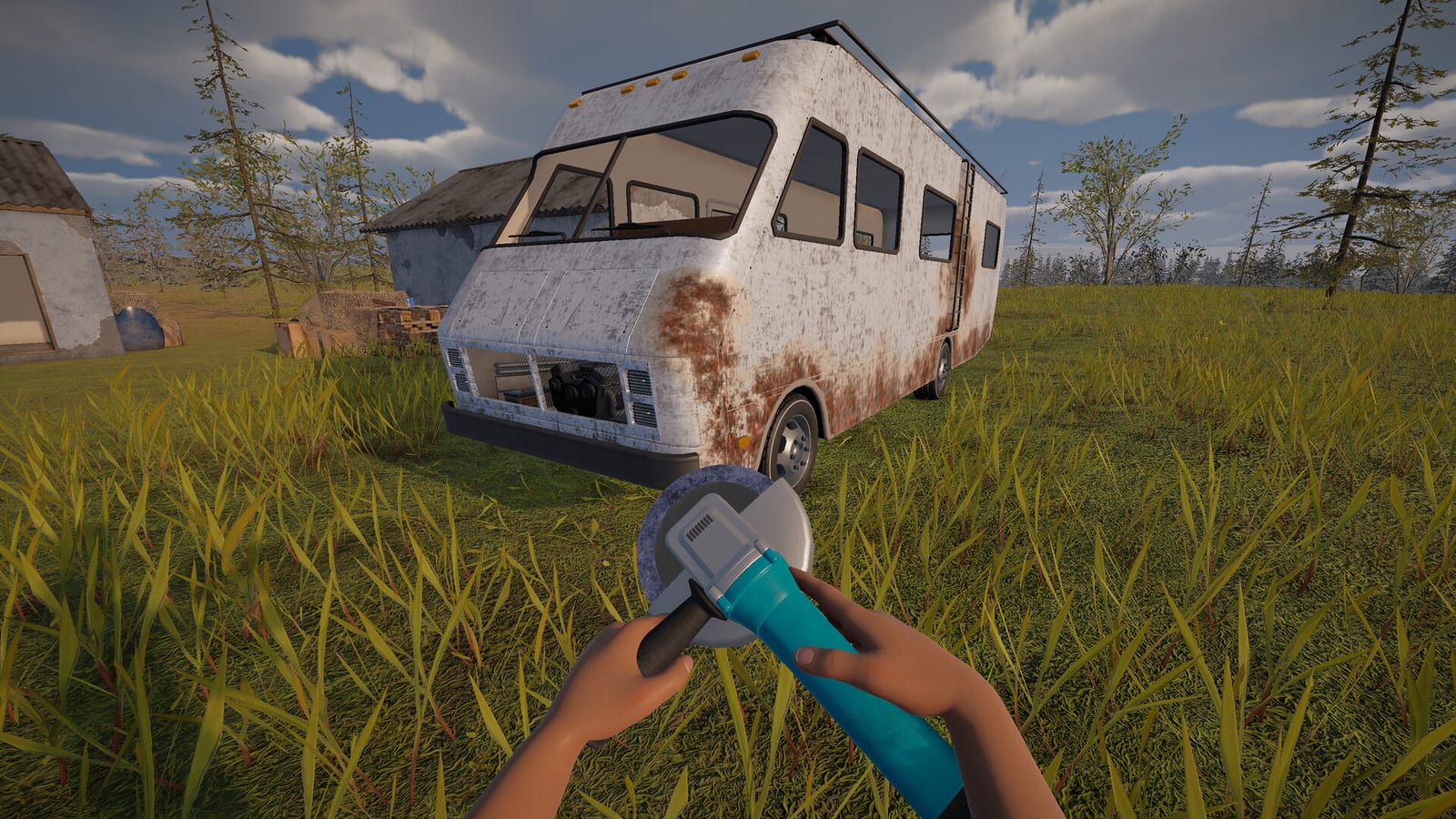
Is there a verified official APK?
The collected evidence does not establish an official Android APK for the Nomad Drive developed and published by Indie Devil. That is a statement about the sources checked on October 25, 2026, rather than a claim that a native Android edition could never exist. At this research date, the authenticated downloadable sample is the Windows demo distributed through Steam.
If your goal is to play this particular game, the identity of the download matters as much as the title shown beside it. A familiar name on a file page does not connect that application to the developer of the Steam game. Before treating an Android installer as official, look for an explicit link from the developer or another authenticated distribution source.
What was different about the same-name package?
The inspected APKPure entry used the Nomad Drive name but listed ZK Developers Publishers rather than Indie Devil. It also identified the Android package as com.gas.vs.cars.chaos. Those details are useful for comparing application identities, but they do not establish that the package is an authorized mobile release of the PC game.
This mismatch is the reason the entry is not supplied here as the official download you searched for. It is not a basis for making an unsupported accusation that the file is malicious or for claiming that every same-name application has the same origin. The narrower, supported conclusion is that the inspected package was not authenticated as Indie Devil’s port.
Why a safety badge does not answer the game question
A download page can make statements about its own package without establishing who authorized the game represented by that package. In this research, the relevant identity check was the difference between the named mobile publisher and the developer shown on Steam. A page badge did not supply a verified relationship between those two names.
For your decision, keep the questions separate: whether a package has a particular listing status and whether it is the official Nomad Drive application are not interchangeable. The source material does not provide a security test that would justify a definitive safety verdict here. It does provide enough identity information to explain why that page should not be labeled as the verified official Android release.
Where the genuine PC demo is available
The official Steam demo page names Indie Devil and identifies the separate playable sample of Nomad Drive. The demo is a Windows application, so the download belongs to the PC platform described by its requirements. Following that official page gives you an authenticated product identity without relying on a third-party file mirror.
This route is relevant if you have a suitable computer and want the game represented by the official research. It is not an APK download, and opening the Steam page on an Android browser does not change the application’s target platform. Use the demo listing for the sample and the main Steam listing for the separate Early Access product.
Can streaming make the PC game playable on a phone?
Valve documents a general way to stream games running on a computer to a mobile device. In that model, the PC continues running the game while the phone receives its output and sends controls back through the remote-play arrangement. It does not distribute the Windows game itself as an Android APK.
That distinction explains why some discussions of playing on mobile can coexist with the absence of a verified native release. The phrase can describe the screen in your hands rather than the device executing the game. This research does not certify Nomad Drive with a particular streaming application, so the general model should not be presented as a tested guarantee for your phone.
How to assess a mobile-download video
The mobile-download videos reviewed during research did not identify an authenticated Indie Devil mobile store page. One inspected description directed viewers to another video rather than supplying the missing developer-linked Android listing. A title that promises a working download therefore remained a claim to assess, not proof of an official port.
The research did not recover complete transcripts for those candidates and did not treat their descriptions as observed gameplay verification. A video’s publication date or visible view count cannot replace the publisher and distribution checks needed here. When deciding which link to follow, prioritize an authenticated product page over language promising a universal working method.
A practical authenticity check before downloading
Start with the official game identity: Nomad Drive on Steam names Indie Devil as its developer and publisher. Compare that identity with the page offering the mobile application, then look for a developer-linked connection between the two. If the only match is the game name, the research does not support calling the installer official.
Next, identify whether the proposed method is a native app installation or a stream from a computer. A host-PC requirement points to a different approach than installing a game that runs independently on Android. This distinction keeps you from accepting PC streaming instructions as evidence that an official mobile APK has been released.
What you can reliably do next
If you want an authenticated way to try Indie Devil’s game today, use the official Windows demo page and read its own requirements. If you want to investigate phone-based remote play, begin with the streaming provider’s documentation and keep the computer-host requirement in view. Neither choice requires this page to invent an APK link or a native Android release date.
A future developer announcement could change the availability answer, so the result should remain attached to its October 25 research date. The current conclusion is that the checked same-name package does not establish the official port you are looking for. Until an authenticated mobile listing is available, the Steam demo is the verified download and streaming is a separate, setup-dependent possibility.
Match the download to the experience you want
For the exact Indie Devil game, compare the offered download with the developer and platform identity shown on the official Steam page before deciding that you have found a mobile version. The inspected package’s different publisher and package identifier make that comparison especially important when the page title looks familiar. If a method instead asks a computer to run the game and a phone to receive the picture, recognize it as a remote-play arrangement rather than evidence of a native APK. Those checks let you separate a verified PC sample, an unauthenticated same-name package, and a streaming proposal without making claims about any file’s security that this research cannot support.