
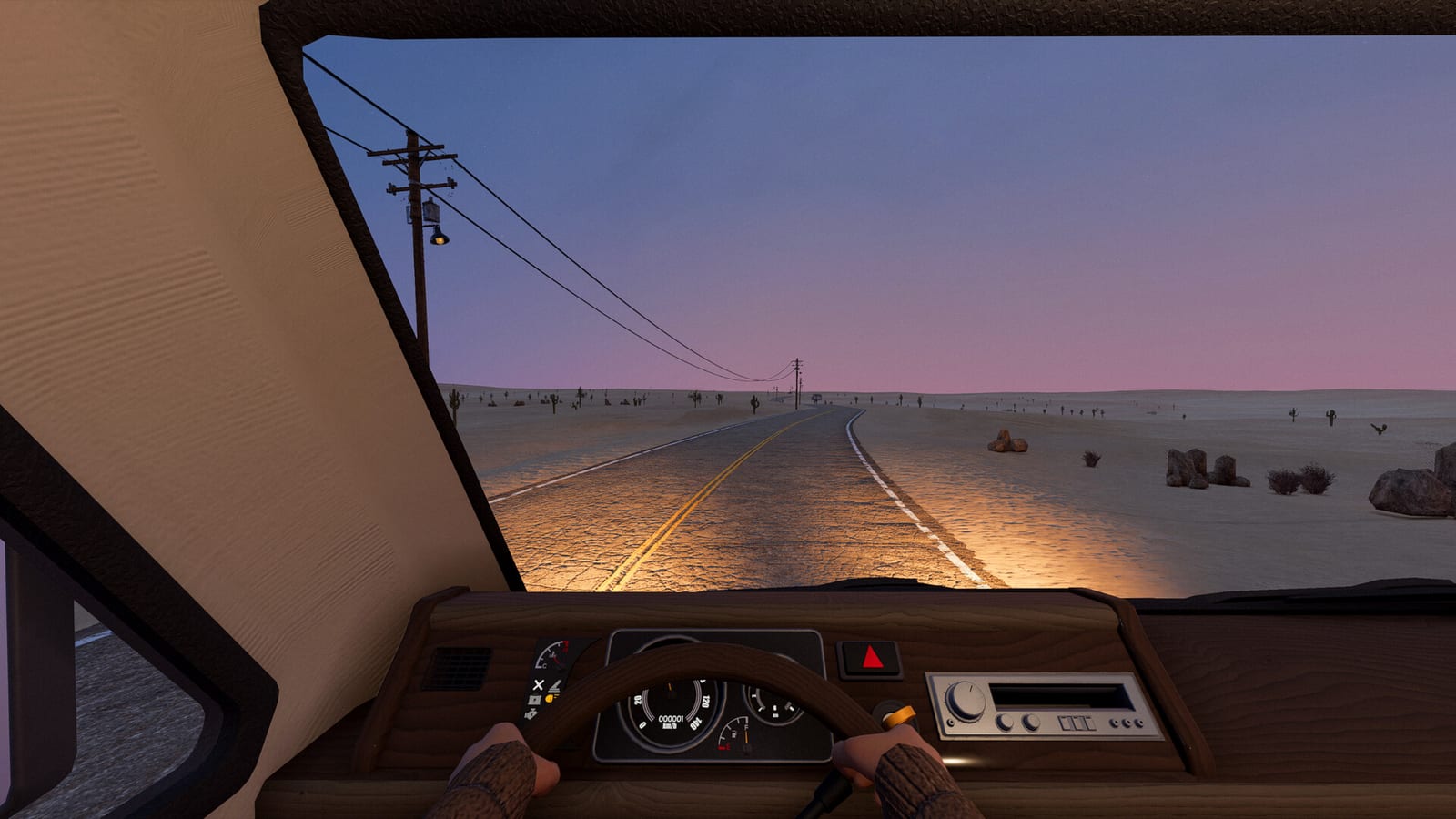
Which Steam page should you open?
Open Nomad Drive App 2223980 when you want the main game’s official listing. It identifies Indie Devil and is the relevant destination for the game’s current Early Access plan and eventual purchase availability. The free sample belongs to a separate listing, Nomad Drive Demo App 4568400, rather than being a second name for the same installed application.
This distinction is especially helpful when a search result mixes a demo video, a player review, and a release announcement in one place. Each may refer to the same game project while describing a different application or build. Confirm the page title and app identifier before using the information to decide what you can install or buy.
Is the main Steam game already released?
At the October 25, 2026 source check, the main listing still described the product as Coming Soon to Early Access. Its planned date was October 27, 2026, so the research does not describe the main game as already publicly released. A future date shown by a store is a plan rather than evidence that the launch has happened.
The phrase Early Access also belongs to the main product’s release plan, not to a claim that the demo is the finished game. The collected information does not establish a final version 1.0 date. Keep the current status field on the main page at the center of any decision about availability, rather than relying on an old countdown copied elsewhere.
Why older release dates can be misleading
The research records an October 18 developer delay notice canceling the previously expected October 20 release. The later live Steam listing supplies the October 27 plan used on this page. This is why an older article or video can contain an authentic historical date while still giving the wrong answer to a current availability question.
When you see conflicting dates, identify when the source was checked and which official page it refers to. Do not average the dates or assume they describe different editions without evidence. For the Steam game, the current main listing and the developer’s announcements are the appropriate sources for understanding a changed launch plan.
How the free demo fits into Steam
The demo is already a released, separate application, and the collected records identify June 15, 2026 as its release date. Its official page offers the free installation, making it the relevant destination if you want the playable sample established by this research. That installation is a Windows demo, not proof that the paid Early Access product has launched.
Using the two app pages correctly also helps avoid misreading your own library or somebody else’s screenshot. A demo installation, demo session, or demo-specific comment can be valid without describing the main product’s current availability. If you intend to try before deciding about the main game, follow the official demo entry rather than an unrelated file mirror.
Check requirements on the application you will use
The demo and the main game have distinct Steam pages, so read the requirements attached to the application you intend to install. The research verifies the Windows identity of the demo rather than promising support for every device that can open Steam in a browser. A page’s availability and its platform requirements answer different questions, and both matter before planning a session.
Do not assume every technical detail transfers automatically between the sample and a later build of the main product. The research repeatedly separates demo, playtest, and forthcoming Early Access material because those labels describe different scopes. Checking the actual listing keeps a historical demo detail from quietly becoming a claim about the finished or currently sold game.
Why a full-game video may still be a playtest
One inspected October gameplay candidate used FULL GAME in its title while identifying a Playtest in its description. That title therefore did not establish that the main Steam product had publicly released or that all viewers could download the same build. The description’s scope mattered more than the attention-grabbing wording of the headline.
The research did not recover a complete transcript for that candidate and does not use it as independent proof of detailed game mechanics. Other candidates explicitly described demo sessions and linked the demo application, which helps identify their scope without making them substitutes for official availability information. Use videos for the context their evidence actually supports rather than letting their labels redefine the Steam status.
Keep demo reception separate from the main game
A separate demo can accumulate player discussion and visible activity before the main product launches. That does not make a demo review total, concurrent-player figure, or download record a statistic for the unreleased main game. The collected research deliberately omits changing live totals rather than assigning a number to the wrong application.
For a purchase decision, first establish which product a review or comment concerns and when it was written. A player can describe a real demo experience while still being unable to assess later Early Access changes. This is another reason the two official app identifiers are useful: they let you keep the source of each observation attached to the right application.
Your next step on the official store
Choose the demo page if your immediate question is where to try the free Windows sample. Choose the main game page if your question is about the current release status, the announced Early Access plan, or purchasing the product once the store offers it. Both destinations belong to the official Steam distribution, but they do not answer every question interchangeably.
This page reflects a source check completed on October 25, 2026, so availability should be checked again when the planned launch arrives. The supported answer at that time was a released free demo alongside a main game still marked Coming Soon to Early Access. Keeping those facts separate gives you a reliable route through Steam without inventing a price, a final release date, or a completed launch.
Identify the app when comparing player experiences
When a player describes a problem, a review, or a feature, keep the application name and its date beside that observation before comparing it with your own plans. A report about the free demo may help you understand that sample, but it does not establish that an unreleased main-game build contains the same issue or feature. The two Steam app identifiers give you a concrete way to preserve that distinction when a title simply says Nomad Drive. Use the official demo page for the sample and the main listing for the Early Access product, then interpret each report within the application it actually concerns.