
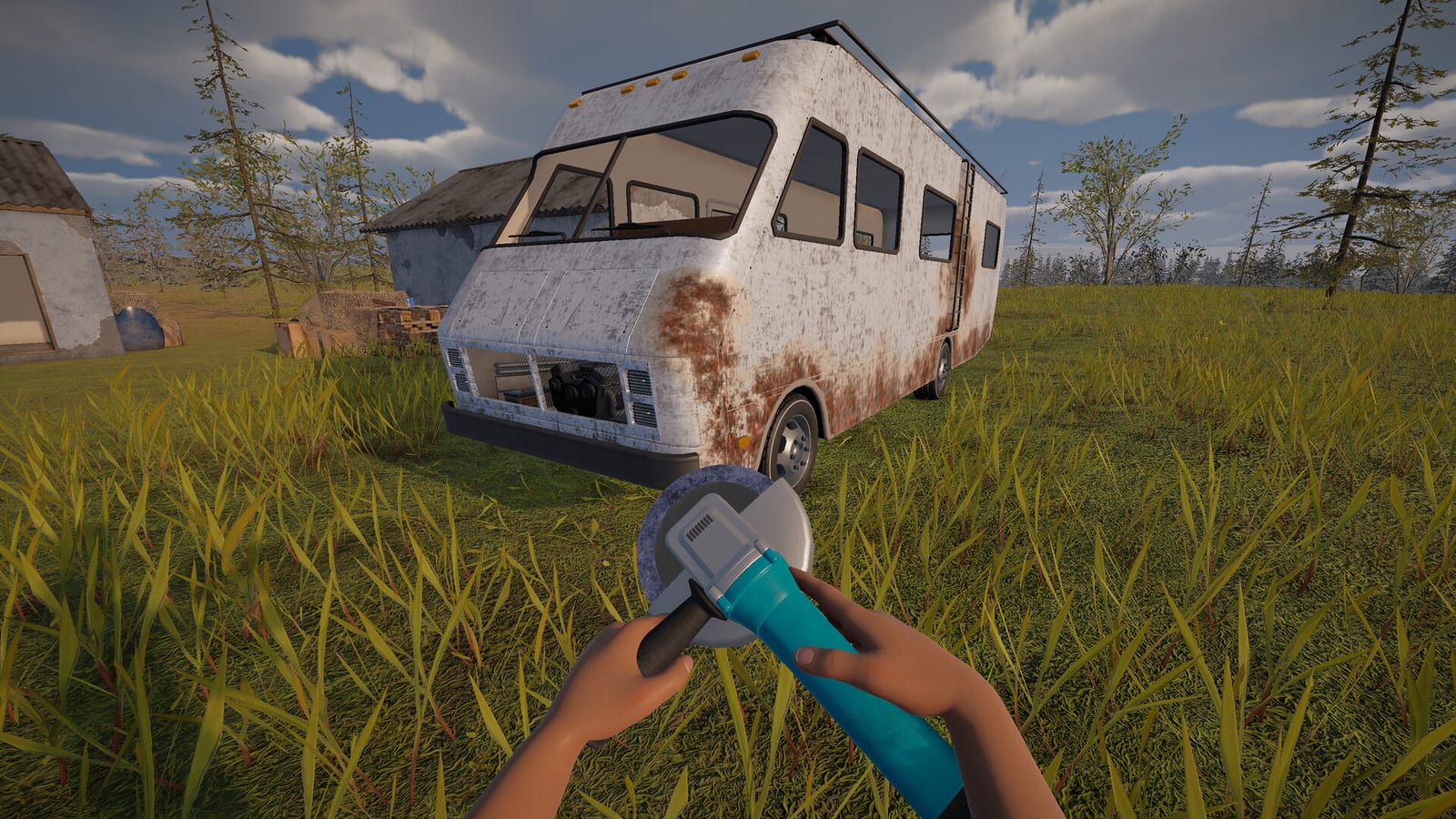
Read the ignition message before choosing a repair
The official quality-of-life patch adds diagnostics for several reasons a vehicle may not start. Its messages distinguish missing or broken engine problems from battery, fuel, and handbrake issues. That makes the displayed warning a better starting point than assuming every no-start situation is engine damage. Choose your first check from the fault the game identifies.
If the message points to the battery, the charger or working-spare route belongs to the battery guide. If it points to fuel, spending an engine repair item does not address the shortage. If the message identifies the engine, inspect whether the component is missing or damaged before acting. These are different conditions, even though they can leave you with the same immediate result of a stationary vehicle.
A missing engine needs a component
A missing-engine diagnosis means the vehicle lacks the engine component it needs. The developer’s mechanical-parts diary introduces engines as discoverable equipment, distinct from repair kits. Finding a repair item is therefore not the same thing as finding a replacement engine. Keep the part and the tool conceptually separate while checking what is installed.
The collected material does not provide a universal component-transfer or compatibility chart. Before carrying an engine to another vehicle, inspect the relevant interaction in the build you are playing. Do not infer compatibility from the part’s appearance or from how similar real vehicles work. An actual in-game fit is more meaningful than an assumed match based only on a broad engine label.
Use an Engine Repair Kit for the damaged component
The Engine Repair Kit is identified separately from battery and radiator equipment in the documented demo analysis. The mechanical-parts diary independently confirms engine-related repair equipment as part of the game’s systems. For a damaged engine that remains installed, the matching kit is the supported repair route. A working replacement is the alternative identified in the collected answer.
Apply the matching item using the current build’s interaction information and target the damaged engine. The research does not establish one universal camera angle, number of clicks, or repair quantity. Read the component feedback after using the item rather than assuming that an animation alone proves every fault has disappeared. If another warning remains, diagnose that warning separately before using more supplies.
Treat overheating as a cooling problem too
The official survival and quality-of-life patch explicitly reworks engine heating and radiator cooling. That confirms cooling is a relevant part of keeping the vehicle running, rather than an incidental detail imported from automotive advice. When overheating is the problem, stop the vehicle and allow cooling before continuing. Check the radiator’s water rather than treating temperature only as a damaged-engine signal.
The documented demo coolant answer uses water in the radiator. It does not require a verified dedicated antifreeze item, and it does not support substituting fuel or another unrelated liquid. Inspect the container contents and use the appropriate transfer interaction before checking the radiator level again. The coolant guide covers that task without assuming a fixed amount or guaranteed starting container.
Keep the electrical and mechanical fixes separate
Batteries, engines, and repair equipment are introduced as distinct parts in the developer material. A Battery Charger addresses battery recovery, while an Engine Repair Kit addresses engine damage. Radiator water belongs to the cooling task rather than either of those item categories. Understanding these distinctions prevents a collection of useful items from becoming a collection of guessed solutions.
This separation is especially helpful when a vehicle has more than one issue. Fixing the engine can reveal that a battery problem still needs attention, rather than proving the engine repair did nothing. Conversely, a successful battery replacement does not establish that the engine is healthy or present. Return to the current warning after each meaningful change and choose the next action from what it now identifies.
Search for the named supplies, not an invented route
The mechanical-parts diary describes component and repair equipment as discoverable items. It does not publish a guaranteed Engine Repair Kit location that can be followed in every world. The collected material likewise provides no fixed repair-shop route or assured container spawn. Search with a clear item goal, but treat the contents of the location in front of you as something to inspect.
The distinction between a component and its matching kit is useful during that search. A found engine may offer a replacement path, while a kit may address damage to an engine you already have. A charger or water container can still be valuable without satisfying the engine-specific need. Check item names and contents before deciding that your current problem has been solved by the latest piece of loot.
Compare repair and replacement before using supplies
The two documented engine responses become easier to choose when you separate the condition of the installed part from the items you have found. A damaged engine can be addressed with the matching Engine Repair Kit, while a working replacement offers another route. A missing component cannot be identified merely by assuming that the vehicle must already contain an engine. Inspecting the vehicle and reading its diagnostic message gives the context needed to decide which of your available items is relevant.
A useful final comparison is between what the engine needed and what changed after your action. If the original diagnosis concerned engine damage and the next warning concerns the battery, you now have a different problem to address rather than a reason to repeat the same repair automatically. If overheating remains the concern, the radiator check is still relevant even though you have worked on the engine. This is why a successful repair decision should be followed by fresh feedback, instead of assuming that possession or use of a repair kit settles every starting and driving issue at once.
Verify the vehicle before resuming the journey
After an engine repair or replacement, use the normal starting interaction and read the resulting diagnostic message. Check cooling if the original problem involved overheating, and distinguish any remaining battery or fuel warning. This is a fault-checking workflow rather than a claim that one repair guarantees a fully roadworthy RV. The goal is to leave with a reasoned understanding of the vehicle’s current state.
This page draws on demo-specific research checked on October 25, 2026, plus dated developer material. It does not invent horsepower ratings, engine sizes, oil-change schedules, or upgrade multipliers. Real-world maintenance assumptions are not evidence of an implemented game mechanic, and an October playtest need not match the public demo. For the documented situation, identify the engine fault, use the matching component or repair kit, and check the separate cooling and electrical systems before driving on.