
What Nomad Cheat Tool advertises
The Nomad Cheat Tool listing is published by the author tecmyit. At the research check, the page identified version 1.12.0 and an October 20 update. Its description advertised an F1 assist menu covering player and vehicle assistance. Treat those features as the author’s description rather than a report that this site has installed and tested the tool.
The listing also identifies BepInExPack_NomadDrive as a dependency. That is a project-specific requirement to examine on the author’s page, not a universal installation recipe for every Nomad Drive mod. Follow the dependency and installation instructions supplied for the version you choose. Do not assume a keyboard shortcut or folder arrangement from one project applies to a different author’s package.
Nomad Market has a narrower target
Nomad Market is a separate project published by xXAriettaXx. The checked author listing identifies a public beta and explicitly limits its target to the Early Access Playtest. Its stated version at the research date was 0.3.42-Beta. This is a concrete example of why a general statement that all available mods are for the demo is already too broad.
The author describes Internet co-op support as experimental and requires matching mod files and versions for that project. Those requirements should remain attached to Nomad Market rather than being presented as the multiplayer rules for every mod. An experimental label also deserves attention before using it in a session with friends. Agreement on what to install is useful, but it cannot convert the author’s beta into independently verified stable support.
Community projects and official support are different
The checked Steam feature list does not advertise Steam Workshop. That describes the listing at the research date and does not establish a permanent developer policy. It would be inaccurate to turn that omission into a claim that official mod support can never arrive. For future support announcements, follow the developer’s own news rather than assuming a third-party release represents an official integration.
Similarly, a developer release announcement is about the game, not an endorsement of every community package. A project can exist independently of a Workshop listing or a publisher recommendation. Keep the source of each statement visible when deciding what to trust. The mod author is the relevant source for a package’s advertised requirements, while official channels are the relevant source for the game’s supported features.
Use instructions for the exact project
The research did not perform an installation or compatibility test for either featured project. It therefore does not support a single step-by-step procedure that claims to work for every mod. Open the selected author page, read its current dependency list, and follow its own instructions. If an instruction assumes a build you do not have, resolve that mismatch before treating the procedure as applicable.
Keep a note of the files you add and retain a backup of saves before experimenting. These precautions help organize the experiment; they are preparation rather than a tested recovery method. A clear change record also makes it easier to explain your setup if you ask the author for help. Avoid mixing instructions from several packages into an undocumented installation that no author has described.
Do not mistake vehicle upgrades for installed mods
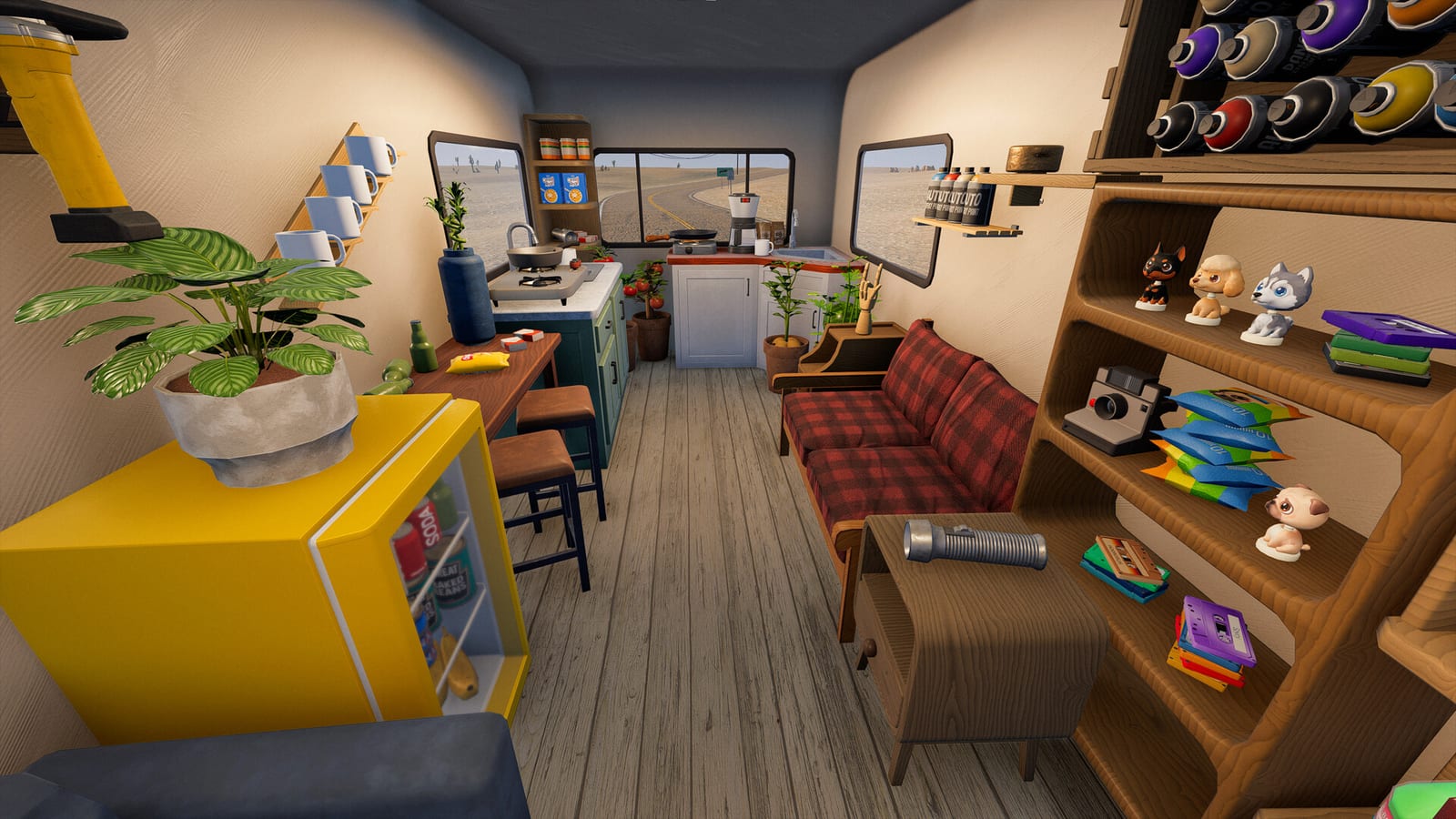
Nomad Drive’s own RV repair and customization can appear in videos whose titles mention upgrades. That wording alone does not demonstrate that the creator installed a community modification. A camper improvement, planting session, or road glitch is not evidence of a particular mod loader. Look for an explicit project name and a stated installation context before using a video as an answer to a mod question.
The collected video candidates did not supply complete transcripts for verification. Their titles and descriptions are therefore not used here to prove an installation process or a successful mod feature. This matters especially when a recent video describes a playtest rather than the public demo. Its date may be recent while the game environment still differs from the version on your computer.
Co-op troubleshooting needs a clear baseline
If a multiplayer problem begins after changing files, record the package and version involved. For a useful comparison, reproduce the issue without the modification where possible and follow the author’s removal guidance. This separates a report about the base game from a report about an altered setup. It does not prove that the mod caused the fault merely because the timing overlaps.
When discussing an experimental co-op project, tell the other players exactly which files and versions you are testing. Nomad Market’s matching-version requirement is relevant to that project’s own stated design. It should not be replaced by a vague instruction that everyone simply install the latest thing. A precise setup description is more useful to an author than a report that leaves the target build and dependencies unspecified.
Choose a mod with realistic expectations
The supported conclusion is that there are distinct community projects with different advertised purposes and build targets. The available evidence does not justify a blanket promise of demo, Early Access, console, or mobile compatibility. It also does not establish security or stability merely from a listing badge. Make the choice using the author’s current description and your willingness to test an unofficial addition.
These details were checked on October 25, 2026 and can change when either the game or package is updated. Return to the original author listing instead of relying on an old survey’s complete-mod roster. Keep your target build, dependency requirements, and observed result together in your notes. That gives a future compatibility check a concrete starting point rather than a general claim that mods work everywhere.