
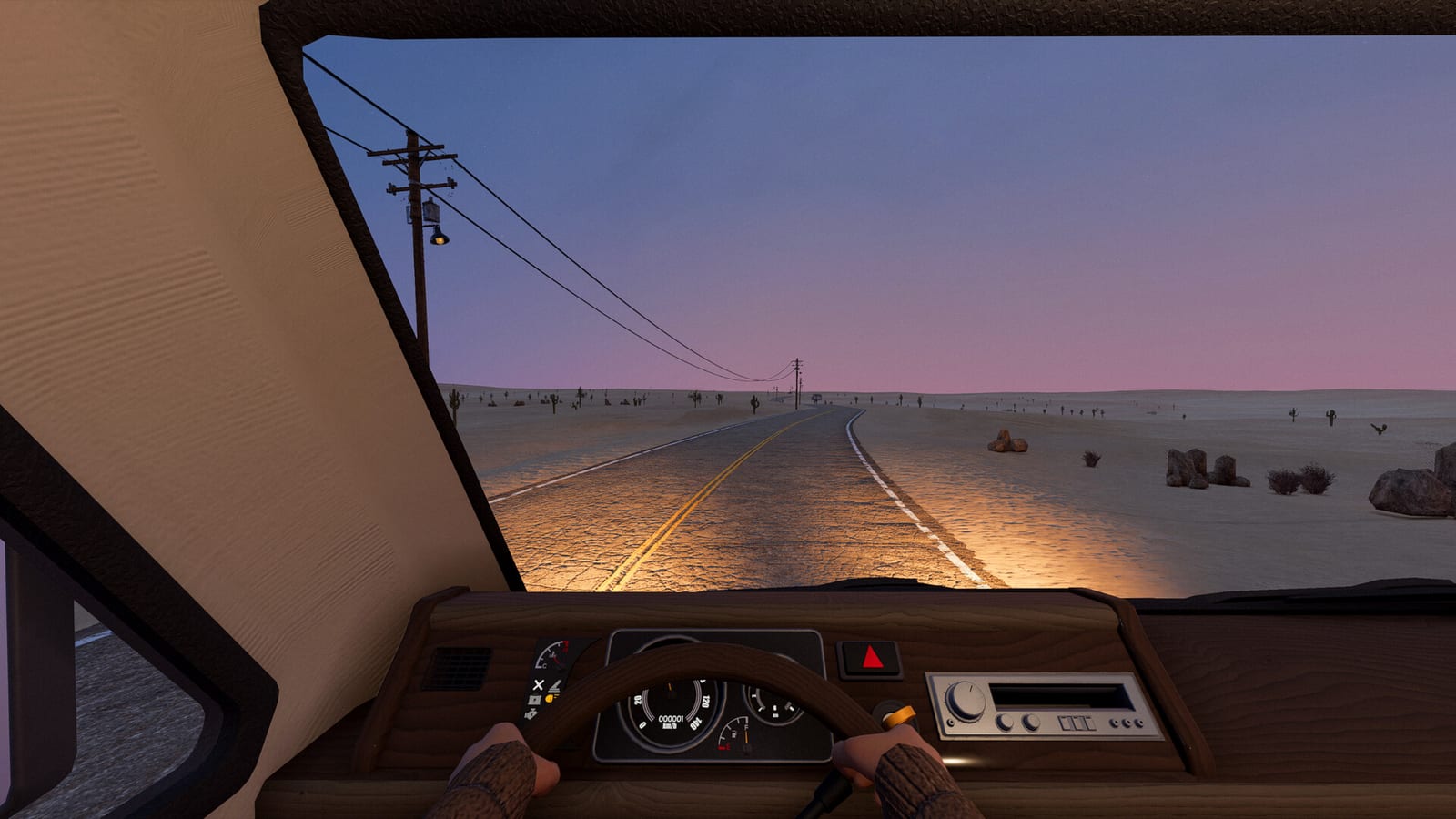
Is there an official iPhone or iPad app?
The checked sources did not identify an official native iOS release of Indie Devil’s Nomad Drive. That finding is limited to the developer-linked distribution information and App Store search examined on October 25, 2026. It gives you the current research result without pretending to prove what the developer will or will not announce in the future.
For an iPhone or iPad player, this means the collected evidence does not supply an official app installation page. It also does not support an iOS release date, a mobile purchase price, or a promise that the game can run independently on the device. Those are separate claims that would require an authenticated platform listing or a direct developer announcement.
What the Windows demo confirms
The official Nomad Drive Demo page on Steam identifies a downloadable Windows application. Its published requirements specify Windows 10 or Windows 11 in a 64-bit environment, which tells you which computer platform the verified demo targets. That is useful evidence for the actual software available, rather than a generic statement that the game can be seen on any screen.
The application’s Windows identity should stay attached to any download advice you follow. A Steam demo link does not become an App Store link simply because you open the page in an iPhone browser. It confirms a route to the PC demo while leaving native iOS availability unestablished in the checked material.
How PC streaming differs from an iOS port
Valve’s Remote Play documentation explains the general model of streaming PC games to mobile devices. In that arrangement, a computer runs the game while the phone or tablet serves as the receiving screen and a way to send inputs. The game is not repackaged into a native iPhone or iPad application through the act of streaming it.
That difference changes the question you need to ask before trying it. Instead of asking only whether the phone can install Nomad Drive, you need a compatible remote-play arrangement and a computer capable of running the PC application. The collected research does not certify a particular Nomad Drive iOS setup, so a general streaming feature should not be described as a successful game-specific test.
What must still be checked in a streaming setup
The host computer remains part of the experience, and the game’s PC requirements remain relevant to that computer. Your remote-play software must also support the devices and input arrangement you intend to use. These are prerequisites of the streaming model, not newly confirmed mobile hardware requirements for a native Nomad Drive edition.
The research does not provide tested touch controls, recommended iPhone settings, measured latency, or a performance result for this game. It would therefore be misleading to turn a general remote-play explanation into a step-by-step mobile configuration with guaranteed results. Use Valve’s documentation for the supported streaming service and treat game-specific usability as something that still needs verification.
Why mobile gameplay videos are not enough
A video can show a game image on a phone without establishing where the game is running. A title that promises a mobile download also does not identify an official publisher relationship or an authenticated App Store product. The mobile-download candidates inspected for this research did not supply the missing Indie Devil endorsement needed to establish a native edition.
Their descriptions were assessed as descriptions, not as complete transcripts or independently observed compatibility demonstrations. That matters because an attention-grabbing title cannot answer the separate questions of installation, origin, supported devices, and controls. For a native iOS claim, an official distribution link is a stronger starting point than the appearance of the game name in a video headline.
Do not confuse Android files with an iOS release
The research also encountered same-name Android download claims, but they do not establish an iPhone or iPad version. The separately inspected Android package listed a different publisher, and no verified relationship to Indie Devil was found. Its existence cannot fill the gap in the iOS evidence or authenticate a mobile edition of the Steam game.
There is no official IPA download supplied by this research, and an Android APK should not be presented as an iOS installer. The useful distinction is the identity of the application and the platform it actually targets. Keeping those details separate avoids sending an iPhone player to a download that does not answer the question they searched for.
Which official pages are useful now?
Use the official Steam demo page to confirm the downloadable PC sample and its published platform requirements. Use Valve’s Remote Play page to understand the general difference between running a PC game and receiving its stream on another device. Those sources answer different parts of the mobile question and should not be merged into a claim of native iOS support.
If you want the main game rather than the demo, check its own Steam listing rather than assuming the two applications share every detail. The research distinguishes the public demo from the forthcoming Early Access game and from videos that identify themselves as playtests. None of those PC labels, on their own, announces a separate iPhone or iPad product.
What would change the iOS answer?
A developer-linked App Store listing or a clear developer announcement identifying an iOS edition would provide a stronger basis for new advice. At that point, the relevant questions would include the named publisher, supported devices, release status, and the features the listing actually advertises. A matching game name without that connection would still be weaker evidence than an authenticated official product page.
Until such evidence is available, the practical answer remains scoped rather than absolute. The verified download is the Windows demo, and PC streaming is a distinct technology that still needs a suitable host and compatible setup. You can use those facts to decide what is possible to investigate now without being promised offline phone play or an unannounced native port.
Choose between a native app and a PC session
If you want a game installed directly on your iPhone or iPad, the missing official iOS listing is the central issue and a Windows download does not resolve it. If you already have a computer and want to receive that computer’s game session on another screen, Valve’s streaming documentation is relevant to the different arrangement you are considering. Treat the host computer and the mobile receiving device as separate parts of that plan instead of assigning the PC game’s requirements to the phone. This keeps the choice anchored to the software actually verified here rather than to an unsupported claim that the phone runs the game itself.