
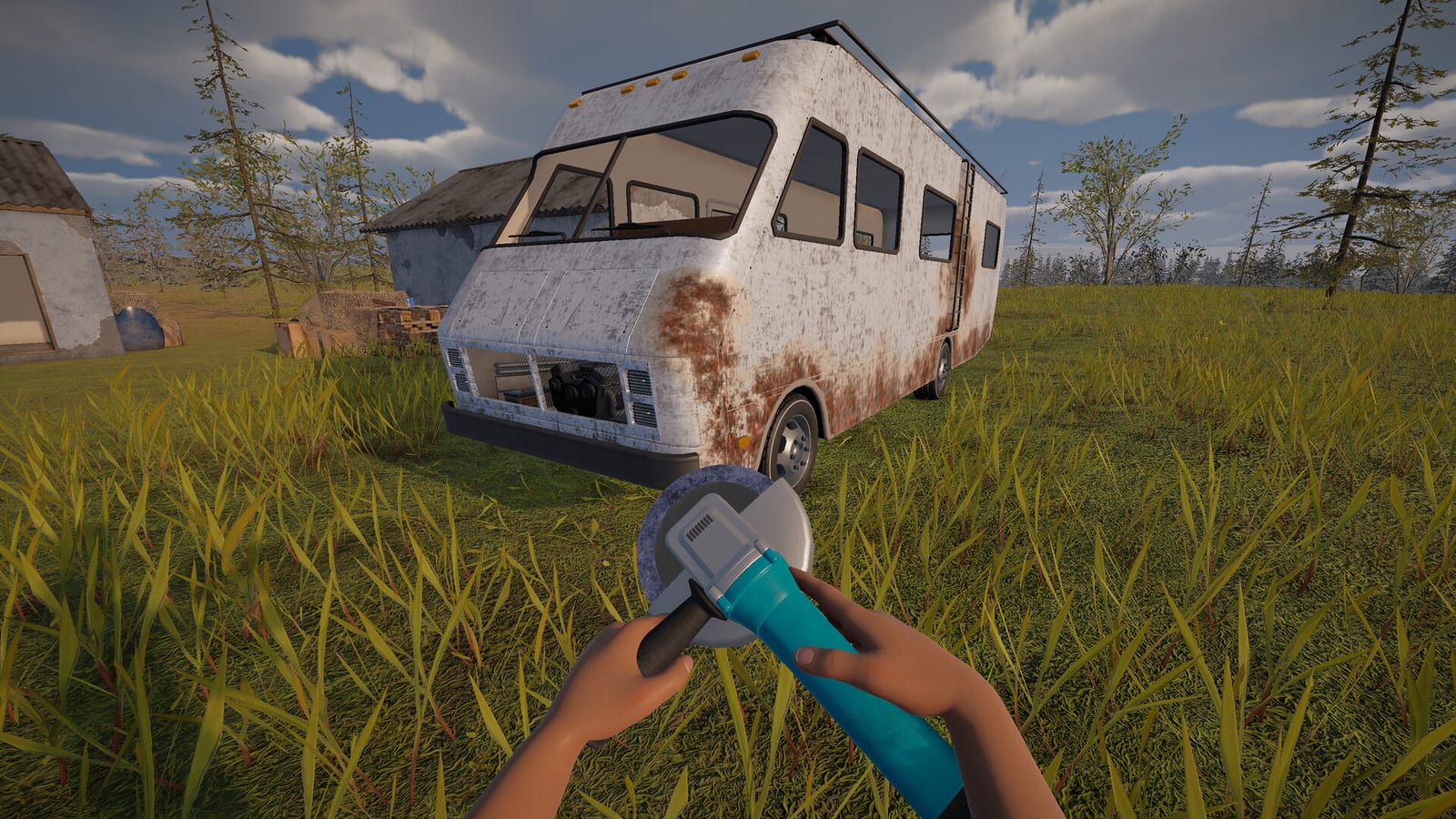
Is Nomad Drive confirmed for PlayStation 5?
Yes: the official PlayStation Store product page is the clearest confirmation that a PS5 version has been announced. This is stronger evidence than a controller icon on the PC store, a video recorded with a gamepad, or a third-party platform table. Those other details can describe how someone plays on a computer without saying anything about a separate console edition.
For a PS5 player, the useful first action is to open that product page and check its current status. At the October 25, 2026 research check, the page was marked Announced rather than establishing an available console release. You can use the wishlist option to keep the announced product associated with your PlayStation shopping interests while waiting for a concrete release update.
What does the announced listing actually tell you?
The official page lists support for up to four online players, DualSense vibration, and PS5 Pro Enhanced. These are the features that can be repeated from the platform listing without filling gaps with assumptions about the finished console build. They describe advertised support, rather than a hands-on test of how the game runs on a particular console.
Read each label as a separate piece of information rather than as a complete technical specification. An enhanced-console label does not supply a frame-rate target, resolution, graphics preset, or comparison with the base PS5. Likewise, vibration support does not by itself establish additional controller effects that are absent from the collected evidence.
Is there a confirmed PS5 release date?
The checked PlayStation listing leaves the console release date to be determined. That means this research does not provide a day to put into a PS5 release countdown or a specific hour when a console download should unlock. The available information confirms the announced product while leaving its launch schedule open.
Keep the date field on the PlayStation page separate from dates appearing on Steam. A platform can have its own release schedule even when the game name, developer, and underlying premise are shared. Until a console-specific date is published, repeating a PC date beside a PS5 label would give you a more definite answer than the official evidence supports.
Why October 27 refers to the PC plan
The main Steam listing checked for this research scheduled PC Early Access for October 27, 2026. On October 25, that was still a planned launch rather than a completed release, and it concerned the Steam application. It should not be converted into a claim that the PS5 version launches at the same time.
The distinction matters when a search result or short video places multiple platform names beside a single date. That presentation may compress separate announcements into one sentence without showing which store supplied the date. For a console purchase or download decision, return to the actual PlayStation listing and look for a console-specific change in status.
Where the developer’s console plans fit
The developer’s announcement about the gameplay trailer and June demo described plans for PlayStation and Xbox store pages. The later PlayStation product page supplies the concrete PS5 confirmation that those earlier plans alone could not provide. Together, they support saying the game is announced for PS5 rather than treating the console as a rumor.
They still do not provide permission to fill every remaining box in a console comparison table. The collected material does not establish a PS5 price, a playable-now console demo, or a cross-play arrangement with Steam users. An announced console page and a PC co-op feature are distinct facts, so neither should be used to invent the missing connection.
What to do while waiting for a console update
If you only intend to play on PS5, the official wishlist page is the relevant destination for now. You do not need a third-party download page to establish that the announced console product exists. Check the official page again when a new console announcement appears, especially before relying on a date shown in an older article.
There is also a verified free Windows demo on Steam, but that is an option for a computer rather than a substitute PS5 download. Use its own store page if you have a suitable PC and want to inspect the game’s current demo offering. Trying that application does not answer how the console edition will perform or which features it will ultimately ship with.
How to read trailers and platform claims
The official gameplay overview is useful for understanding the game’s presentation and general direction. Its existence does not independently establish a PS5 launch day, and the collected trailer metadata contains no console performance target to quote. A promotional overview should therefore accompany the platform facts rather than replace the PlayStation product listing as the source of them.
Be particularly careful with comments that turn PC controller support into proof of console availability. The checked research already has direct PlayStation evidence, so that weaker shortcut is unnecessary. The same discipline applies to videos labeled as recent gameplay: their title alone cannot establish that the footage is a public PS5 build available to everyone.
The PS5 information to check before playing
Before planning a console session, check whether the official page has moved beyond Announced and whether its release-date field now names a specific date. Then read the advertised multiplayer and controller details on the same page rather than carrying across assumptions from the PC listing. This keeps your decision tied to the edition you actually want to play.
The source check behind this page was completed on October 25, 2026, so later platform announcements can change the answer. At that check, the reliable conclusion was straightforward: PS5 is officially listed, wishlist access exists, and the launch date remains open. That gives you a real console destination without promising a download, price, or performance result that the available material does not establish.
Decide which platform you are waiting for
If your immediate aim is a PS5 session with friends, the announced PlayStation product is the listing to follow, because it is the source that actually names the console and its advertised online support. If your immediate aim is simply to try the project on a computer, the separate Steam demo answers that narrower need without settling any console questions. Buying or trying one platform should not be presented here as a promise of access on the other platform. Make the choice around the edition you intend to use, then return to its official page for the release information that applies to that decision.