
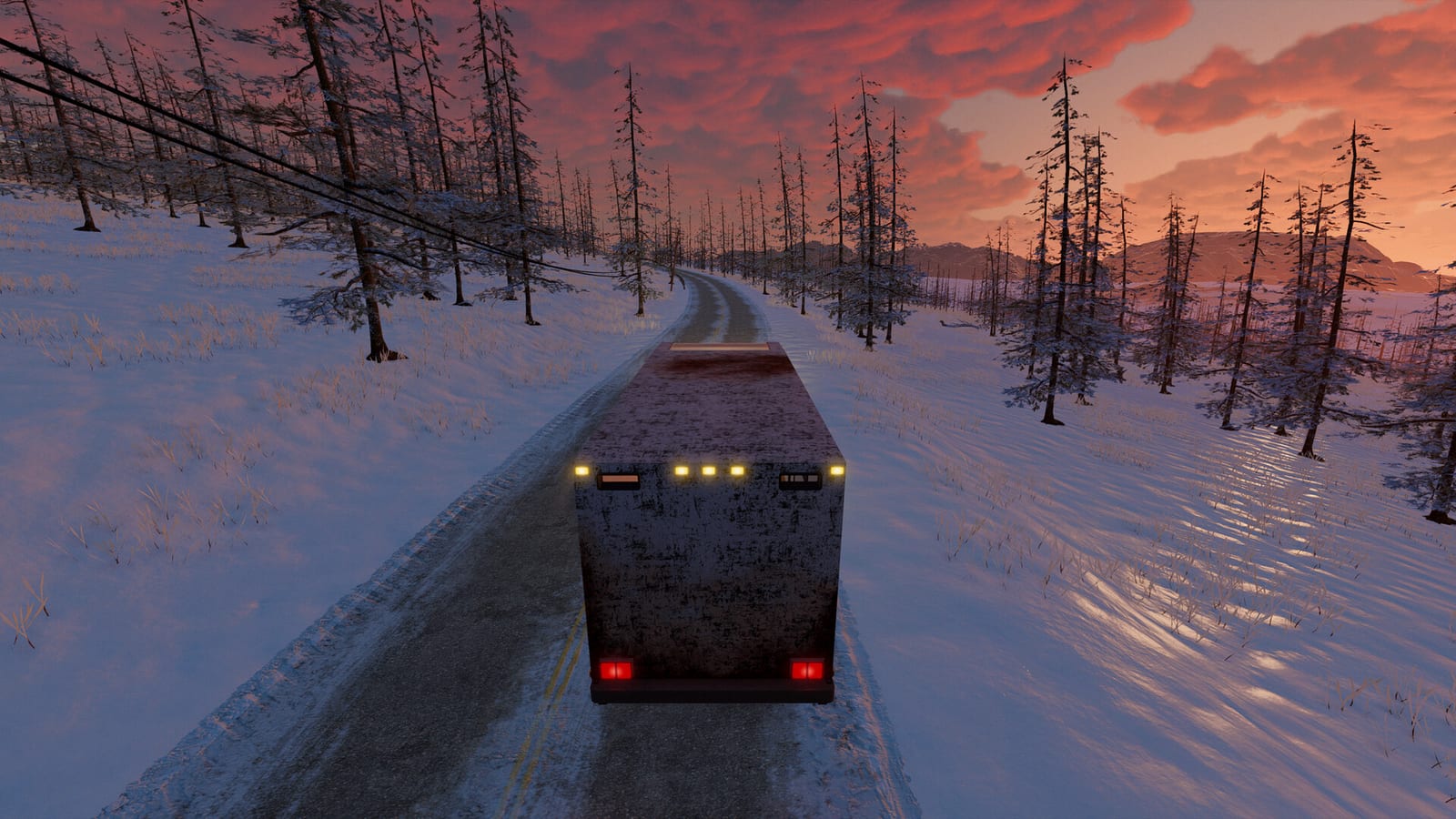
How many players can join the road trip?
The current Steam descriptions checked for this research use one-to-four-player online co-op. The demo listing also uses that wording, so it should not be replaced by an earlier marketing limit without checking the source date. Older announcements can describe a different stage of development. When comparing information, start with the current listing and then identify the build discussed by any older guide.
A player-count description answers the size of the advertised online group, rather than every possible multiplayer feature. It does not establish split-screen play or a dedicated-server procedure. Those are separate questions that need explicit supporting information. Keep the confirmed online co-op description distinct from features a player might reasonably hope are included but that the collected sources do not verify.
Check the app before following a setup guide
Nomad Drive has a main-game Steam listing and a separate demo listing. The collected footage also includes sessions labelled as an Early Access Playtest. These labels matter because a recent video can show a different environment from the public demo on your computer. Compare the app and displayed version before assuming that its menu or session behavior is the same.
As of this research date, the main game’s planned Early Access release is distinct from the already available demo. A title saying “full game” is not enough to settle the scope if the creator’s description identifies a playtest. Use the actual app and version as the reference for your group. That makes an invitation problem easier to describe than simply saying everyone is playing Nomad Drive.
Hosting and joining are implemented session features
The developer’s World Stability Overhaul notes explicitly discuss improvements to hosting and joining. That supports the existence of online sessions and also shows that session-entry faults have received attention. The correct next step for setup is to follow the visible lobby prompts in your current build. The collected research does not establish one universal button sequence for every version or control configuration.
If your group cannot find the expected lobby, check the session information and browser filters before assuming the feature is unavailable. A player’s join failure can coexist with another player’s working session. It is evidence of that failure, not proof that online co-op does not exist. Record the exact stage that fails so the problem can be separated from a misunderstanding about which app or session is being used.
Use the lobby browser's region and ping information
The developer’s demo updates include region-aware browsing, an All Regions toggle, and displayed ping information. Those controls help explain why two players may see different session lists. Broadening a filter changes what the browser can show; it does not itself guarantee a faster connection. Use the information as a comparison tool rather than treating any one filter setting as a universal solution.
When a friend reports an absent lobby, compare the filtering context alongside the app and version. When a session feels delayed, record the displayed ping separately from any visible frame hitching. The developer has addressed both multiplayer performance and world-streaming issues, which are not identical symptoms. Clear descriptions make it easier to choose the relevant troubleshooting question instead of treating every problem as the same kind of lag.
Voice chat has selectable devices
The World Stability Overhaul announcement describes rebuilding voice chat and adding microphone and speaker selection through the Audio settings. That gives the voice question a source-backed starting point when someone can join but cannot communicate as expected. Check the selected devices before assuming that the session itself has failed. This is a feature description rather than a guarantee that every hardware setup has been independently tested.
Voice behavior also should not be used as the only test of a successful join. A player in the collected Steam discussion described hearing voice before a connection failure. That report illustrates why one working element cannot establish that the entire session has finished loading correctly. Keep the voice symptom and the connection error together when describing what happened to the developer or other players.
Late joining and vehicle synchronization have received fixes
The developer notes describe synchronization work for players joining a game already in progress. They also discuss world and vehicle state as the group travels away from the starting area. Those changes explain why patch context matters for co-op advice. An old report of mismatched objects or vehicle behavior should not be presented as proof that the identical fault remains in every current build.
Conversely, a patch note is not a promise that every session problem has disappeared. Use it to identify the type of issue the developer addressed and the version context of your comparison. If you encounter a similar problem, record whether it affects a late joiner, the host, or the whole group. That is more useful than describing a synchronization fault only as multiplayer not working.
Solo play is an alternative, not evidence of cross-play
The same official update documents a single-player option, and the current descriptions advertise solo play. You can therefore choose the road-trip experience without relying on an online group. This is separate from the question of which devices can share a multiplayer session. A solo option does not establish a cross-platform network feature, just as a console announcement does not prove PC-to-console compatibility.
The collected research does not confirm split-screen, dedicated-server hosting instructions, or ownership-free Remote Play Together access. None of those should be inferred merely from the broad word multiplayer. If one of them is essential to your plans, look for a specific official statement before organizing the session around it. For this page, the confirmed scope is the advertised online co-op and the documented solo option.
Build a useful session checklist
Compare the app name and displayed version, then use the current session prompts to host or join. If the lobby is absent, inspect the browser’s region context before changing unrelated settings. If communication fails after entry, check the Audio device selections separately from the connection state. Record a visible error instead of replacing it with a guess about the network’s underlying cause.
These details were checked on October 25, 2026 using current listings and dated developer updates. The advertised player count is one to four, while the exact behavior of your session still depends on the build you launch. Keep recent playtest videos and historical demo reports in their own context. The official store and announcements provide the best starting point for checking whether a later release changes the confirmed feature set.