
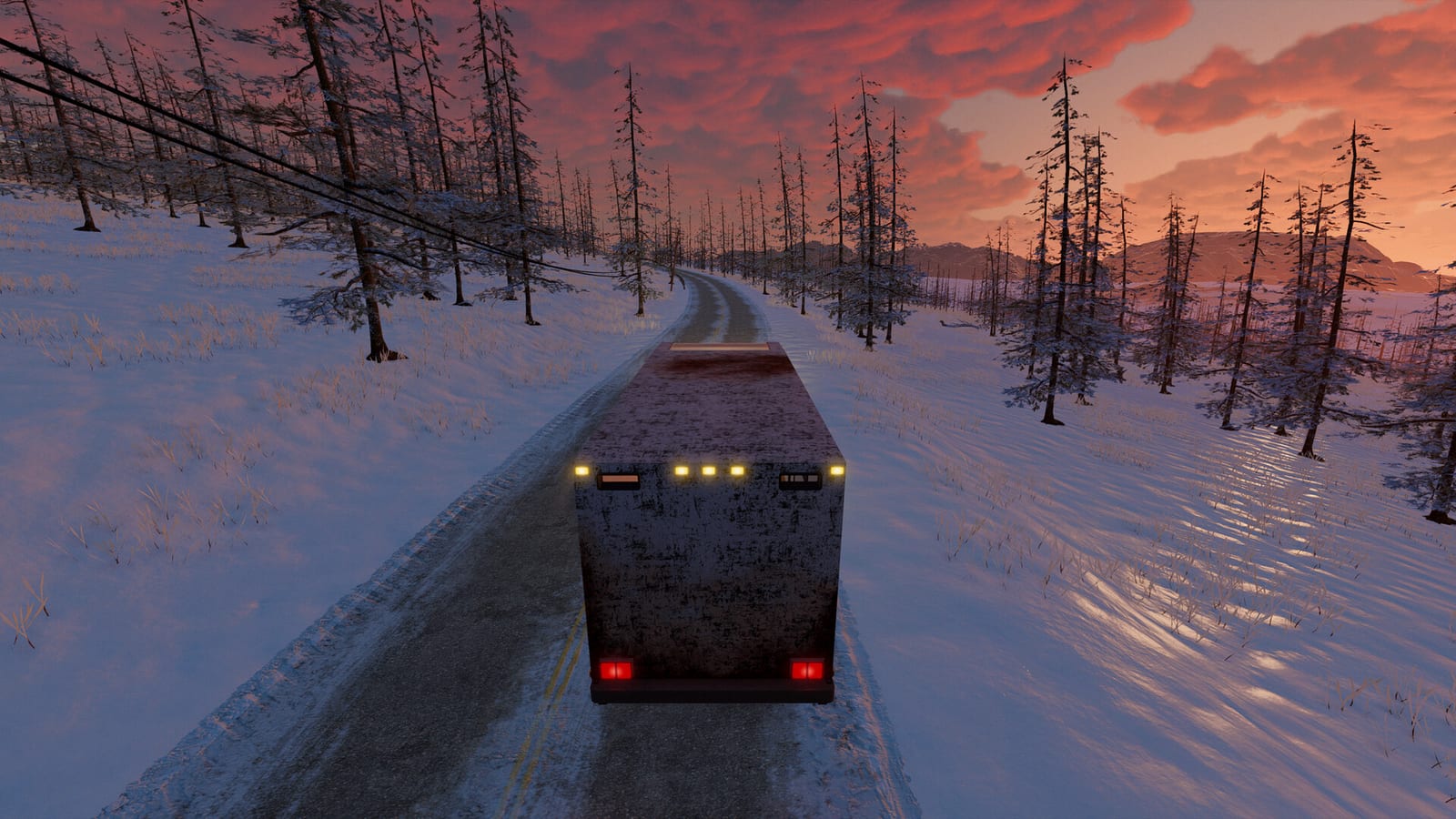
What does online fix mean for Nomad Drive?
The phrase online fix usually refers to a third-party patch bundled with unofficial copies of a game. Its purpose is to make multiplayer work without the Steam ownership checks that the official build relies on. For Nomad Drive, none of the developer channels we reviewed mention, endorse, or distribute any file with that name.
Some players also type the phrase when their purchased copy refuses to connect to a friend. Those are two very different problems that happen to share the same search words. This page separates them, so you can tell whether you need a troubleshooting step or whether you are about to install something risky.
What does the official Steam listing support?
The official Steam page for App 2223980 lists Indie Devil as both developer and publisher. It describes single-player plus online co-op for one to four players, and it entered Early Access on October 27, 2026. Steam Cloud, achievements, and Family Sharing also appear in the feature list we checked on October 31.
Because the co-op features are delivered through Steam, the lobby, invites, and friend list all depend on the Steam client. A copy that bypasses that layer has to imitate it, which is exactly what unofficial patches attempt. That imitation is the main reason these sessions break whenever the real game receives an update.
Why do unofficial patches stop working?
Indie Devil warns on the store page that Early Access updates may change systems and can even require save wipes. Every patch can alter networking code, world synchronization, or the build number that the lobby compares. An unofficial file made for an earlier build then stops matching, and the session either fails to appear or desyncs after joining.
The developer's own update notes already describe repeated work on hosting, late joining, and world stability. That pace is normal for an Early Access survival game, but it is hostile to any patch that depends on a frozen version. Players chasing a working online fix therefore tend to end up searching again after almost every update.
What risks come with downloading one?
Files shared as online fixes are executables or replacement game libraries from sources you cannot verify. Anything that runs with your user permissions can read saved passwords, tokens, or other files on the same computer. Antivirus warnings on these downloads are often dismissed as false alarms, which removes the one safety check that might have helped.
There is also no support path when something goes wrong. Indie Devil cannot help with a build it did not ship, and Steam discussion helpers will usually ask for an official copy first. You end up debugging a modified game alone, with no patch notes that describe what was changed.
Is there a free legitimate way to try co-op?
Yes, the free Nomad Drive demo is still offered through the official Steam listing alongside the paid Early Access game. Earlier demo announcements described solo and co-op sessions, so friends can test the core road-trip loop together before anyone buys. Check the current demo description, because player limits and features can differ from the main game.
Steam Family Sharing is listed on the main game page as well. It lets members of a Steam family group access eligible games from a shared library under Steam's own rules. That route keeps everyone on the official build, which is the only version the developer's multiplayer fixes actually target.
How do you fix co-op on a legitimate copy?
Start by confirming that every player is running the same application, either the demo or the main game, never a mix of both. Then let Steam finish pending updates on every computer and restart the client before hosting again. Mismatched builds are the most common reason a session is missing from the list or refuses to load.
Next, have the host create a fresh lobby and invite friends directly instead of relying on the public browser. If one person still fails to join, compare the exact error message with the developer's latest patch notes. Our multiplayer not working guide walks through these checks in more detail, including lobby filters and region settings.
What about lag after joining?
Lag and rubber-banding after a successful join are not something an online fix can solve. They usually come from distance to the host, a busy home connection, or terrain streaming while the RV moves quickly. Developer updates list performance work on multiplayer synchronization, so keep the game updated before blaming the network.
Use the lobby ping display and region filter to choose a host who is closer to most of the group. Ask the host to close heavy downloads or streaming during a session, because upload bandwidth matters most on their side. The high ping guide covers how to tell real latency from frame hitches.
Can mods restore features that seem missing?
Community mods for Nomad Drive exist on Nexus Mods, but they are a separate topic from online fixes. A mod changes gameplay inside a legitimate install, while an online fix replaces how the game talks to Steam. Mixing the two makes problems much harder to trace when co-op suddenly stops working.
If you use mods with friends, make sure everyone has the same mod list and the same game build. Remove mods first when testing a failed connection, then add them back one at a time. That simple order of checks often reveals the real cause faster than any downloaded patch.
What is the practical next step?
If your goal is simply to play together, grab the free demo or the Early Access game from the official Steam listing. Keep everyone on the same build and follow the developer's patch notes when something changes. That combination is the only setup that the Indie Devil team actively tests and fixes.
If your official copy still will not connect, collect the exact error text, the build number, and who was hosting. Post those details on the official Steam discussions or Discord, where the developer and other players can compare reports. Clear details get useful answers much faster than a vague request for an online fix.