
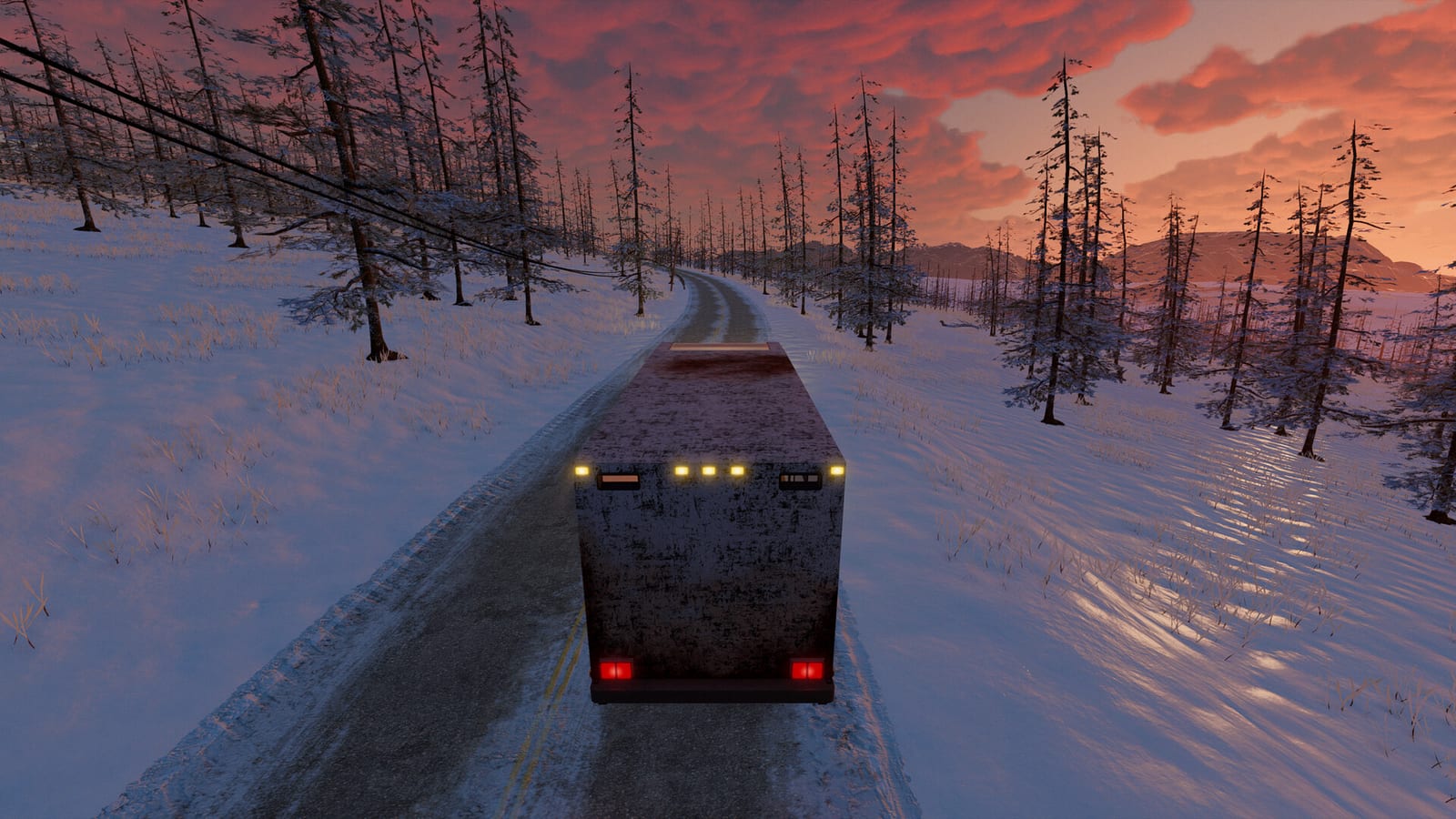
How normal Nomad Drive co-op connects
In standard play, one person starts a session and the other players join that host from the in-game lobby. The official Steam listing describes online co-op for one to four players and lists Single-player and Online Co-op among its features. Fan FAQs describe this as a peer-to-peer style setup, which means the session lives on the host's computer. When the host quits, the shared trip ends for everyone until that player opens it again.
This design is common for small survival games and costs nothing beyond each player's copy of the game. It also explains why the host's connection matters more than anyone else's. A host on weak upload bandwidth can make the whole group feel lag. That is the main reason some groups start searching for a server they can rent.
Is there an official dedicated server?
The Steam store page checked on November 2, 2026 does not mention a dedicated server tool or an official server download. The Early Access FAQ instead focuses on performance work, bug fixes and new content on the road to version 1.0. Hosting vendors themselves state that the game has no dedicated server of its own. So any always-on server you see advertised is a third-party arrangement rather than a feature Indie Devil documents.
That matters because features can change during Early Access. The developers say they are targeting a full release within six to twelve months, and multiplayer tools are a likely area for updates. Check the latest patch notes before paying for anything long term. A future official server would change the advice on this page.
What paid Nomad Drive server hosting offers
Survival Servers currently sells Nomad Drive slots for groups of one to four players, with advertised prices starting under two dollars. According to its listing, the vendor runs the game itself on its own hardware around the clock. The server is meant to show up in the normal in-game join list, so friends join with the regular Steam game. No mod or special client is described as necessary.
The obvious benefit is that the world can stay reachable when the usual host is offline or asleep. Players in different time zones can drop in without waiting for one person to launch the session. The trade-off is a monthly cost and reliance on a company outside the game's developer. Treat vendor pages as marketing claims and confirm the details in a short trial if one is offered.
Check the build before you rent a slot
Nomad Drive has both a free demo app and the paid Early Access game on Steam, and they are separate builds. Some hosting pages were written while only the demo was public and later talked about moving servers to the full game. Ask the vendor which build its server runs today before you pay. A server running the demo will not match friends who own the Early Access version.
Everyone in the group should also be on the same game version after an update. Early Access patches can arrive often, and a server that lags behind a patch may refuse connections for a while. Check the vendor's update policy so you know how quickly it follows new releases. This one question prevents most wasted rental money.
Saves, worlds and moving progress
Your local co-op progress lives on the host's PC, and the Steam listing notes Steam Cloud support for saves. Guides that cover hosting say an official method for moving a local world onto a rented server has not been documented. That means you should plan to start a fresh trip on a new server unless the vendor explains a tested transfer. Back up your local save folder before experimenting with any copy method.
If your group cares most about an existing RV build, staying with host-based co-op may be the safer choice. A rented server is easier to justify for a new run that the group will share from day one. Write down which world lives where so nobody overwrites the wrong file. Clear naming avoids confusion when two copies of a similar world exist.
When free host-based co-op is enough
Most groups of two to four friends who play at the same time do not need paid hosting at all. Pick the player with the strongest connection and most reliable PC as the regular host. Keep that player's game updated first, since joiners on a different version can fail to connect. That simple routine solves many problems that look like they need a server.
Use the lobby browser's region and ping information to choose a sensible match. If lag remains, our high ping and multiplayer troubleshooting guides cover the common causes first. Many issues come from version mismatches or network settings rather than the absence of a dedicated server. Fix those before spending money on a monthly plan.
Safety tips for third-party servers
Only rent from companies with clear contact details, billing terms and a refund policy. Never share your Steam password with a host, because joining a server should only require the normal game. Be wary of pages that bundle a server with free keys or cracked builds, since those are unrelated to legitimate hosting. Online fix style downloads can also carry malware and break co-op entirely.
Read reviews from players of other survival games the vendor hosts as well as Nomad Drive. Start with the shortest billing period until you are sure the server works for your group. Cancel quickly if the server falls behind patches for long periods. Your Steam copy keeps working whether or not you keep the rental.
Quick decision checklist
Choose host-based co-op if your group plays together at set times and one member has a stable connection. Choose a rented server if players want to join at different hours or the host is often unavailable. Confirm the build, the version policy and the price before paying. Keep a backup of any world you care about.
Revisit the decision after major Early Access updates, since official multiplayer tools may change. The Steam news hub is the best place to watch for server-related announcements. Until then, the free built-in co-op remains the default way to play together. A paid server is a convenience, not an unlock.